For businesses
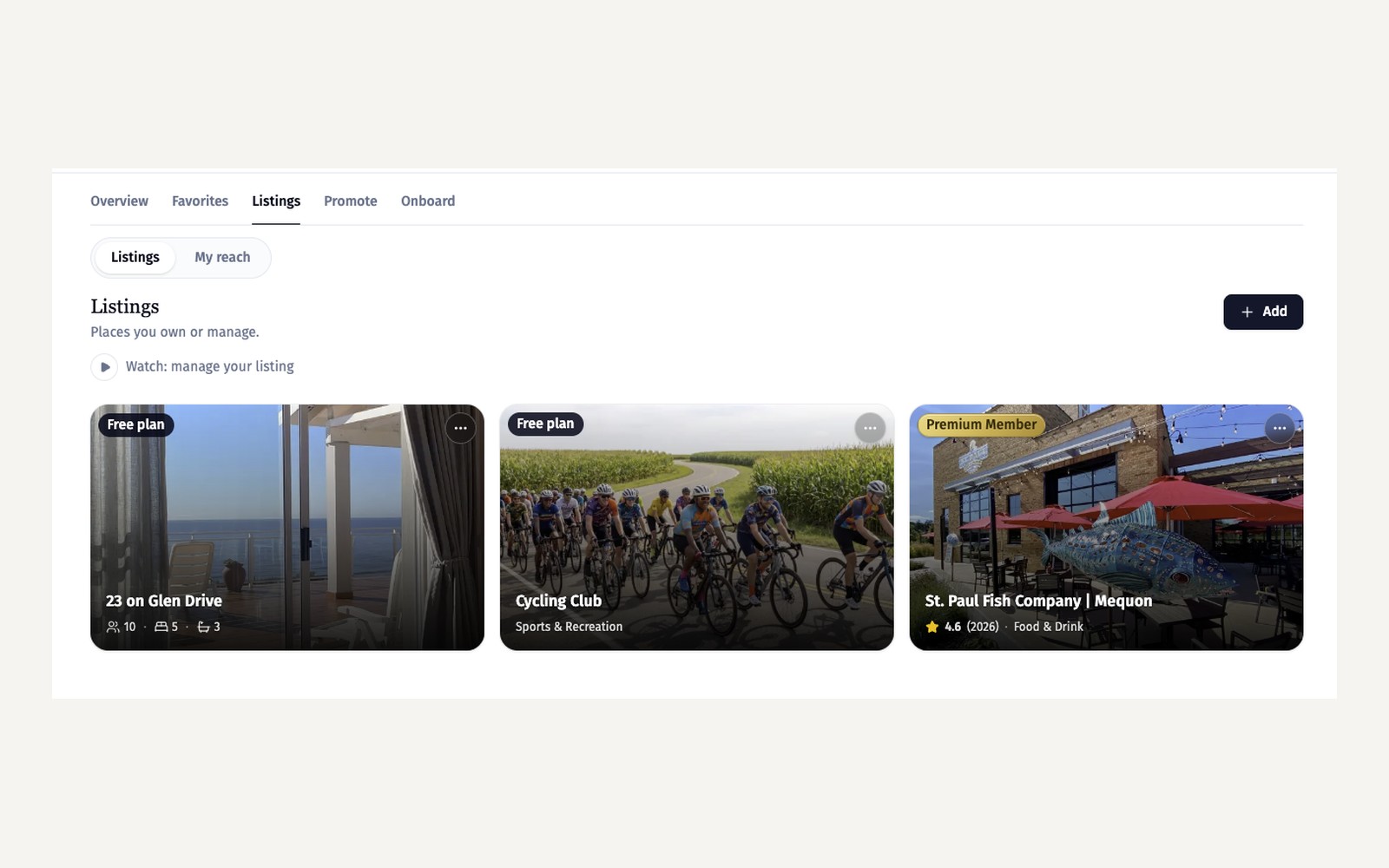
Post jobs on your listing
Share open roles on your listing and your town's Jobs page; each post runs 30 days and can be reposted any time.
Start here
Hire locally, where people already look
Start here
Hire locally, where people already look
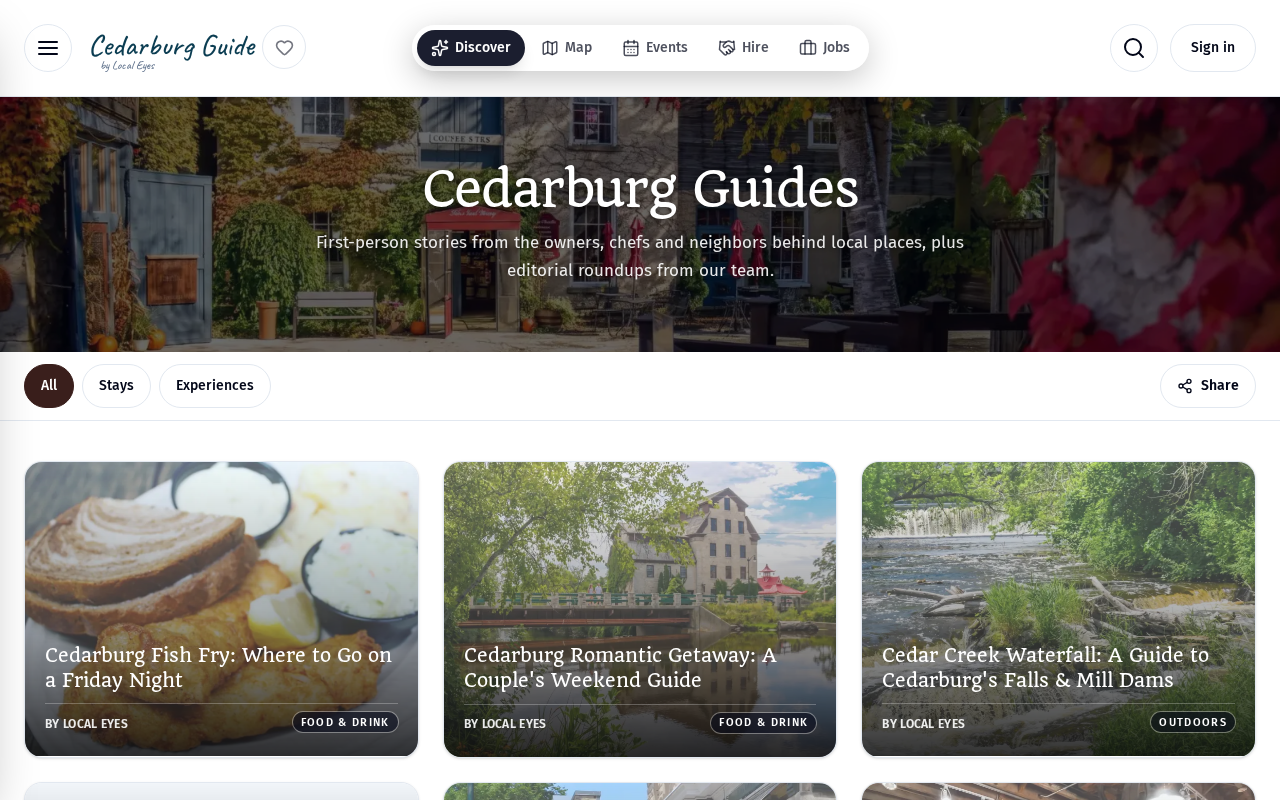
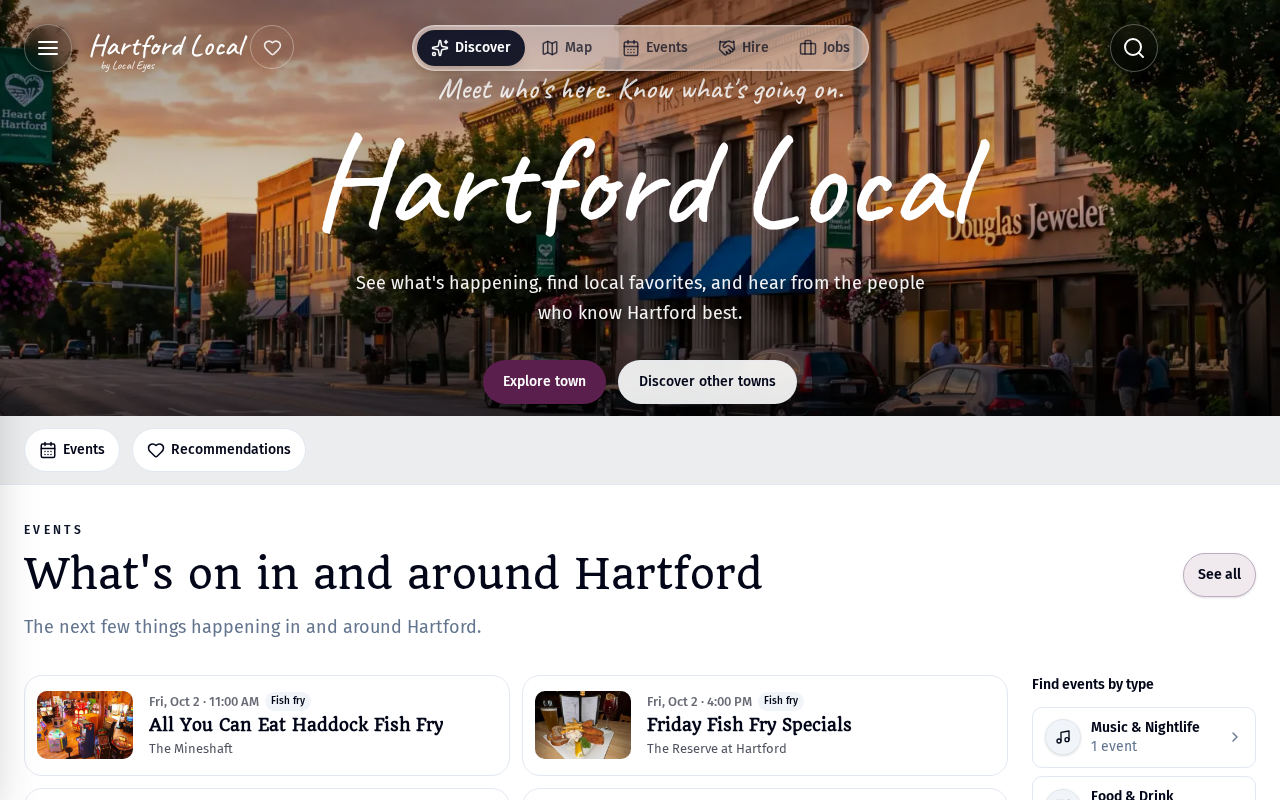
Jobs you post appear on your listing and on your town's Jobs page, where locals browse for nearby work.
- 1Open the Jobs tabIn your listing editor, choose Jobs and press Post a job.
- 2Describe the roleTitle, type (full-time, part-time, seasonal), pay if you can share it, and how to apply.
- 3PublishIt goes live straight away on your listing and the town Jobs page.
01 · Timing
How long a job stays up
01 · Timing
How long a job stays up
Each job runs for 30 days, then moves to Past so the board stays current. Repost a past role any time to put it back up for another 30 days — no retyping.
02 · Allowance
How many jobs you can post
02 · Allowance
How many jobs you can post
The Jobs tab shows how many live roles you're using against your allowance, for example 0 of 3 used. Members get a higher allowance; see Membership tiers and benefits.
03 · Tips
Tips for posts that get applicants
03 · Tips
Tips for posts that get applicants
- 1Show the payPosts with a pay range get noticeably more interest.
- 2Be specific about hoursWeekends, evenings, seasonal dates — say it up front.
- 3Make applying easyAn email, phone number or application link is all it takes.
- 4Say why it's a good place to workStaff meals, flexible shifts, a great team — one line helps.
Was this helpful?